
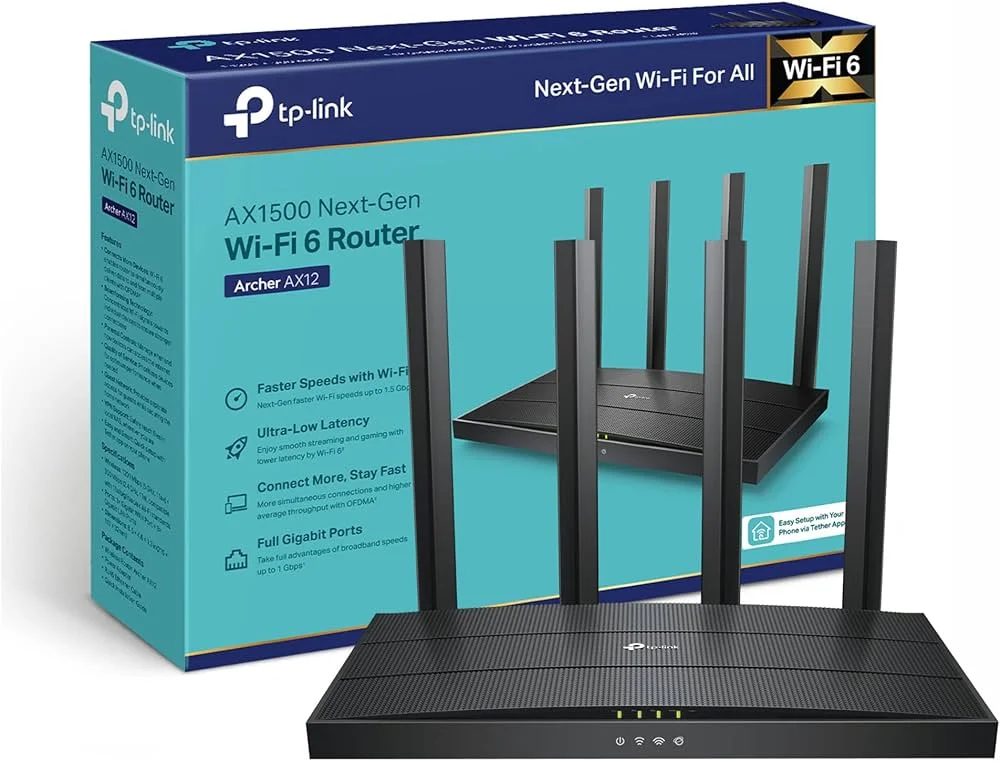


TP-Link Archer AX12 AX1500 Dual-Band WiFi 6 Router | EZZEMART.COM
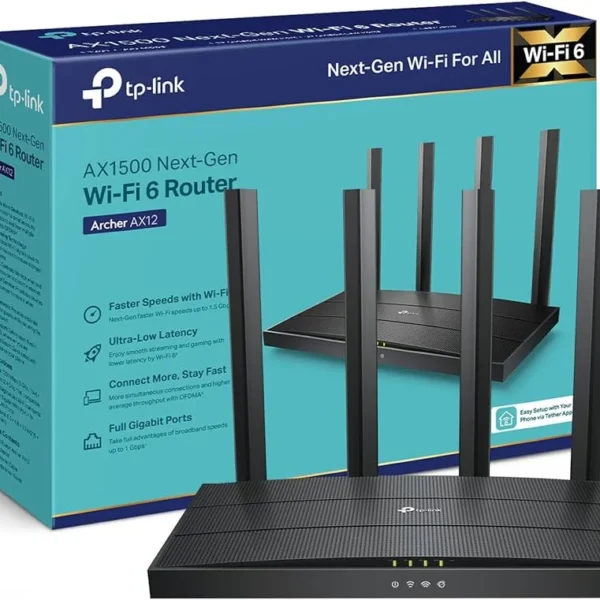
The TP-Link Archer AX12 AX1500 Dual-Band WiFi 6 Router is a next-generation wireless router designed for homes and small offices that need fast, stable, and efficient internet connectivity. Powered by WiFi 6 technology, it delivers combined theoretical wireless speeds of up to 1500 Mbps, with up to 1201 Mbps on the 5 GHz band and 300 Mbps on the 2.4 GHz band.
The Archer AX12 features four external antennas, Beamforming, OFDMA, MU-MIMO, and Gigabit Ethernet connectivity. These technologies help improve wireless efficiency, reduce network congestion, and provide a smoother experience for online gaming, HD streaming, video calls, online classes, and everyday browsing.
If you want to upgrade from an older WiFi 4 or WiFi 5 router, the Archer AX12 is a suitable option for enjoying the benefits of WiFi 6 with compatible devices.
Why Is the TP-Link Archer AX12 Useful?
The TP-Link Archer AX12 is designed for households that connect multiple devices to the internet simultaneously. Its WiFi 6 technology helps manage wireless traffic more efficiently, while dual-band connectivity allows compatible devices to use either the 2.4 GHz or 5 GHz band.
It is useful for:
- Homes with multiple smartphones, laptops, tablets, and smart TVs.
- Online gaming and video streaming.
- Remote work, online meetings, and virtual classes.
- Broadband connections that benefit from Gigabit Ethernet.
- Users who want to upgrade to WiFi 6 without choosing an expensive premium router.
Actual performance depends on your internet package, connected devices, network conditions, and router placement.
Key Features of TP-Link Archer AX12 AX1500
- WiFi 6 Technology: Uses the IEEE 802.11ax wireless standard for improved network efficiency and capacity.
- AX1500 Dual-Band WiFi: Combined theoretical speeds of up to 1500 Mbps.
- 5 GHz WiFi up to 1201 Mbps: Suitable for bandwidth-intensive activities on compatible WiFi 6 devices.
- 2.4 GHz WiFi up to 300 Mbps: Supports everyday browsing and compatible wireless devices.
- Four External Antennas: Help distribute wireless signals across your home or office.
- OFDMA Technology: Allows compatible WiFi 6 devices to share wireless resources more efficiently.
- MU-MIMO Technology: Helps improve simultaneous communication with compatible devices.
- Beamforming: Helps focus wireless signal strength toward connected devices.
- Gigabit Ethernet Ports: Supports high-speed wired networking for compatible computers, smart TVs, and other devices.
- WPA3 Security: Provides a modern wireless security option on supported hardware and configurations.
- Target Wake Time (TWT): Helps compatible devices manage their WiFi activity and power consumption.
- Access Point Mode: Allows the router to provide WiFi through an existing wired network.
- EasyMesh Compatibility: Supports network expansion with compatible EasyMesh devices, subject to hardware and firmware requirements.
- TP-Link Tether App: Makes setup and network management convenient on compatible smartphones.
TP-Link Archer AX12 Specifications
| Specification | Details |
|---|---|
| Brand | TP-Link |
| Model | Archer AX12 |
| Product Type | Dual-Band WiFi 6 Router |
| WiFi Generation | WiFi 6 |
| Wireless Standard | IEEE 802.11ax/ac/n/a (5 GHz), IEEE 802.11ax/n/b/g (2.4 GHz) |
| Wireless Class | AX1500 |
| 5 GHz Speed | Up to 1201 Mbps |
| 2.4 GHz Speed | Up to 300 Mbps |
| Combined Theoretical Speed | Up to 1500 Mbps |
| Antennas | 4 External Antennas |
| OFDMA | Supported |
| MU-MIMO | Supported |
| Beamforming | Supported |
| WAN Port | 1× Gigabit WAN |
| LAN Ports | 3× Gigabit LAN on the referenced regional version |
| Wireless Security | WPA2 and WPA3 options, depending on configuration |
| Working Modes | Router Mode, Access Point Mode |
| Mesh Compatibility | EasyMesh, subject to hardware and firmware |
| Management | Web Interface, Compatible TP-Link Tether App |
| Power Supply | 12V DC, 1A on the referenced version |
| Dimensions | Approximately 215 × 117 × 32 mm |
Important: TP-Link Archer AX12 specifications and port configurations can vary by regional model and hardware revision. Confirm the exact version supplied with EZZEMART.COM before purchase.
Detailed Description of TP-Link Archer AX12
Next-Generation WiFi 6 Performance
The Archer AX12 uses WiFi 6 technology to improve wireless network efficiency. Compared with older WiFi generations, WiFi 6 introduces technologies designed to handle busy networks more effectively when compatible devices are connected.
Its AX1500 rating combines the theoretical wireless link rates of both frequency bands. It does not mean that a single device will receive 1500 Mbps of internet speed.
Dual-Band Connectivity for Different Needs
The 2.4 GHz band is useful for general browsing and compatible connected devices, while the 5 GHz band offers higher theoretical speeds for streaming, downloads, and other demanding activities.
Using both bands helps distribute compatible devices according to their wireless capabilities and network requirements.
OFDMA and MU-MIMO for Multiple Devices
OFDMA and MU-MIMO help the router manage wireless communication with compatible devices more efficiently. These technologies can be particularly useful in homes where several people are browsing, streaming, attending online meetings, or playing games at the same time.
The benefits depend on client-device compatibility and the overall network environment.
Four External Antennas and Beamforming
Four external antennas help distribute wireless signals across different directions. Beamforming helps focus signal strength toward connected devices, which may improve connectivity in suitable environments.
Actual coverage varies according to building materials, walls, interference, router placement, and connected devices.
Gigabit Ethernet for Wired Connections
The Archer AX12 includes a Gigabit WAN port and Gigabit LAN ports on the referenced regional version. Wired connections can offer stable performance for desktop computers, smart TVs, gaming consoles, and other compatible devices.
Check the exact regional version to confirm the number of available LAN ports.
Modern WiFi Security
The Archer AX12 supports WPA3 security on compatible versions and configurations. It also provides network management features such as guest networks and parental controls, with availability depending on the firmware and regional model.
How to Set Up the TP-Link Archer AX12 Router
Step 1: Connect the Power Adapter
Place the router in a suitable location and connect its compatible power adapter.
Step 2: Connect Your Internet Cable
Connect the Ethernet cable from your modem or internet provider’s equipment to the router’s WAN port.
Step 3: Connect Your Smartphone or Computer
Connect your device to the router’s default WiFi network or use an Ethernet cable to connect a computer to a LAN port.
Step 4: Open the Setup Interface
Use the TP-Link Tether app, if supported by your version, or follow the supplied instructions to open the router’s web management interface.
Step 5: Configure Your Internet Connection
Choose the connection type required by your internet service provider. This may be Dynamic IP, Static IP, or PPPoE.
Step 6: Set Your WiFi Name and Password
Create a WiFi name and a strong password. Save your settings and reconnect your devices to the new network.
TP-Link Archer AX12 Buying Guide
Before purchasing the TP-Link Archer AX12 AX1500 WiFi 6 Router, consider these factors:
- WiFi 6 Compatibility: To benefit from WiFi 6 features, your smartphone, laptop, or other device should support the relevant WiFi 6 capabilities.
- Internet Speed: Choose a router that matches your broadband package and networking requirements.
- Gigabit Ethernet: Gigabit ports are useful for broadband connections and wired networks faster than 100 Mbps.
- Number of Wired Devices: Check the exact number of LAN ports on the regional version you plan to purchase.
- Coverage Requirements: Router placement and building layout affect signal strength. Larger homes may need an additional compatible mesh device or extender.
- Security: Use a strong WiFi password and select the strongest security mode supported by your devices.
- Hardware Version and Warranty: Confirm the regional model, hardware revision, warranty conditions, and included accessories before ordering.
Frequently Asked Questions
1. What is the maximum speed of the TP-Link Archer AX12?
The Archer AX12 offers theoretical wireless speeds of up to 1201 Mbps on 5 GHz and 300 Mbps on 2.4 GHz, giving it an AX1500 combined rating.
2. Is the TP-Link Archer AX12 a WiFi 6 router?
Yes. It supports WiFi 6, also known as IEEE 802.11ax, and is backward-compatible with supported older WiFi standards.
3. Does the Archer AX12 support Gigabit internet?
It has a Gigabit WAN port and Gigabit LAN ports on the referenced regional version. Actual internet speed also depends on your ISP package, connected equipment, and network conditions.
4. How many LAN ports does the Archer AX12 have?
The referenced regional version has three Gigabit LAN ports and one Gigabit WAN port. Port configurations can vary, so check the exact version before purchasing.
5. Is the Archer AX12 suitable for gaming and streaming?
Yes. It can support online gaming, video streaming, and video calls when paired with a suitable internet connection and compatible devices. Gaming latency also depends on the ISP, server distance, and network congestion.
6. Does the TP-Link Archer AX12 support WPA3?
WPA3 is supported on compatible hardware and firmware configurations. Check the specifications of your exact regional version.
7. Can I manage the Archer AX12 using my phone?
Yes. Compatible versions can be configured and managed through the TP-Link Tether app. The web interface is another setup option.
8. Can I expand the Archer AX12 WiFi coverage?
Compatible Archer AX12 hardware and firmware can support EasyMesh networking. Check compatibility before purchasing an additional router or mesh device.
9. Is the Archer AX12 suitable for home use in Bangladesh?
It can be a good option for homes and small offices looking for WiFi 6 features, dual-band connectivity, and Gigabit wired networking. Choose based on your internet package, coverage requirements, and connected devices.
Why Buy TP-Link Archer AX12 from EZZEMART.COM?
EZZEMART.COM offers networking products and technology accessories for home, office, and everyday connectivity needs. When purchasing the TP-Link Archer AX12, check the product listing for the latest price, availability, warranty information, and included accessories.
Choose a router that fits your broadband speed, WiFi coverage requirements, and connected devices.
Disclaimer:
Product descriptions and technical specifications on this website may be generated with the assistance of AI and are provided for reference purposes only. Actual product features, performance, and specifications may vary — please verify all details directly with the official manufacturer’s website before purchase. We do not manufacture; we are a seller and are not responsible for discrepancies in product features, behavior, or specifications.


New Version WGP Mini UPS For Router, Onu and CC Camera 10400mAh (5V/9V/12V)
Original price was: ৳ 2,200.00.৳ 1,850.00Current price is: ৳ 1,850.00.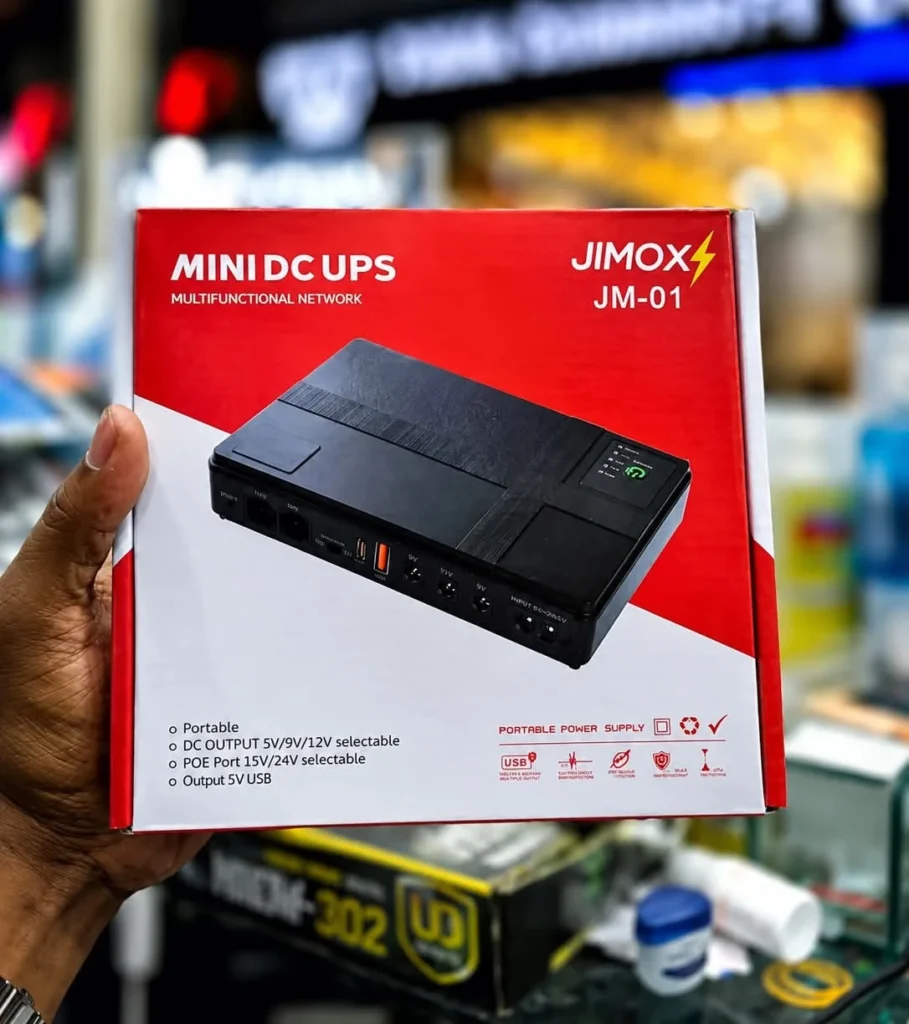
JIMOX JM-01 Multi-Output Mini UPS for Router & ONU (10400mAh, Fast Charging)
Original price was: ৳ 2,300.00.৳ 2,000.00Current price is: ৳ 2,000.00.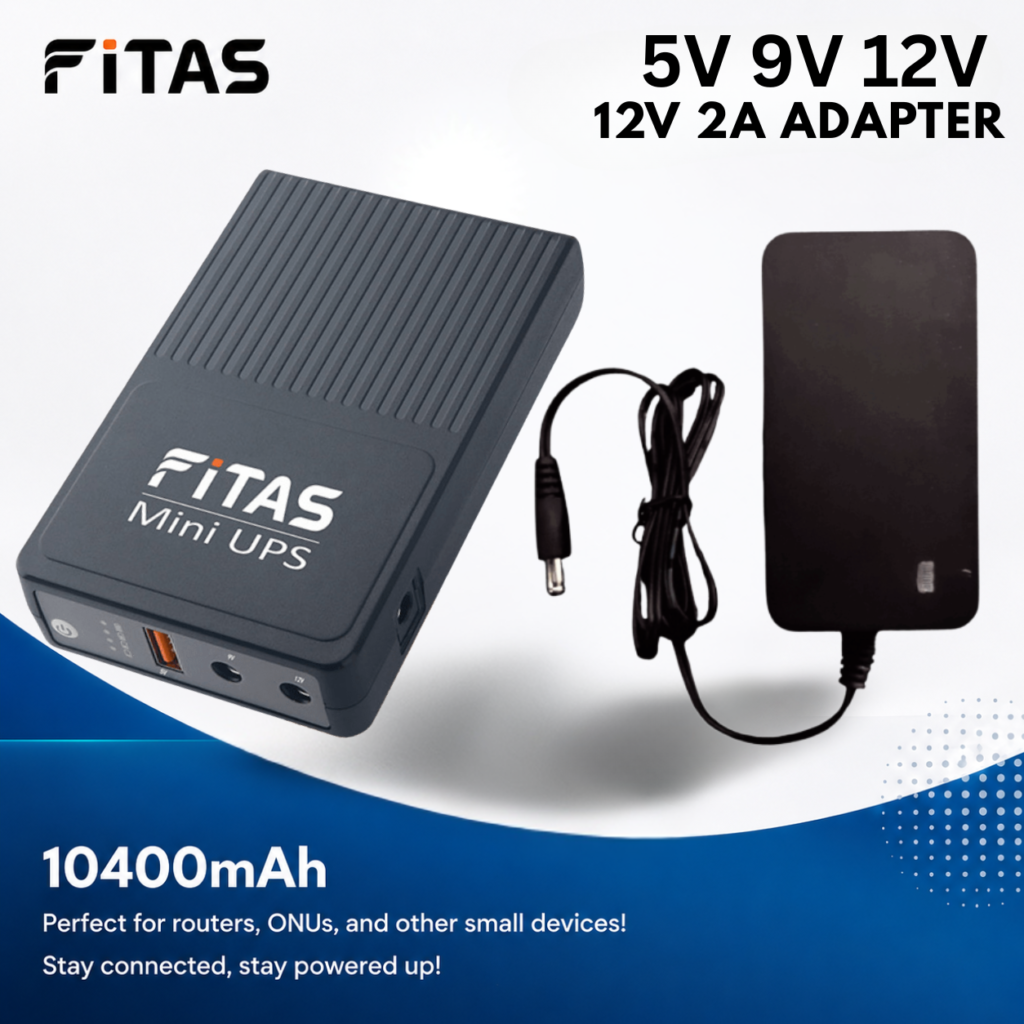
FiTAS 10400mAh TM55 DC Mini UPS 5V 9V 12V with 12V 2A Adapter
Original price was: ৳ 2,300.00.৳ 1,800.00Current price is: ৳ 1,800.00.
GTECH Power Adapter (12V/2A) for WGP Mini Ups, Router, Onu
Original price was: ৳ 350.00.৳ 300.00Current price is: ৳ 300.00.

GTECH Power Adapter (12V/3A) for WGP, Router, Onu and Jisulife FA17 Fan
Original price was: ৳ 500.00.৳ 400.00Current price is: ৳ 400.00.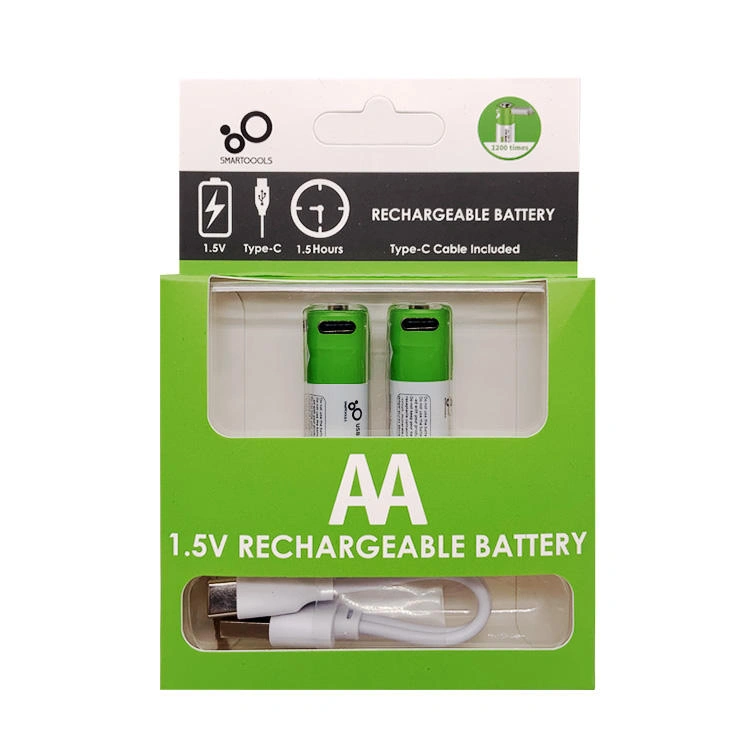
SmarToools AA 1.5V 2600mWh Rechargeable Battery ( 2 Pcs Set)
Original price was: ৳ 700.00.৳ 550.00Current price is: ৳ 550.00.
SKE 432P Mini UPS for Router, ONU & Camera – Output 17W 5V/9V/12V UPS
Original price was: ৳ 2,550.00.৳ 2,150.00Current price is: ৳ 2,150.00.
New Version WGP Mini UPS For Router, Onu and CC Camera 10400mAh (5V/12V/12V)
Original price was: ৳ 2,200.00.৳ 1,850.00Current price is: ৳ 1,850.00.
Ulanzi MT-44 Extendable Vlog Tripod With 360° Ball Head (Black)
Original price was: ৳ 2,100.00.৳ 1,790.00Current price is: ৳ 1,790.00.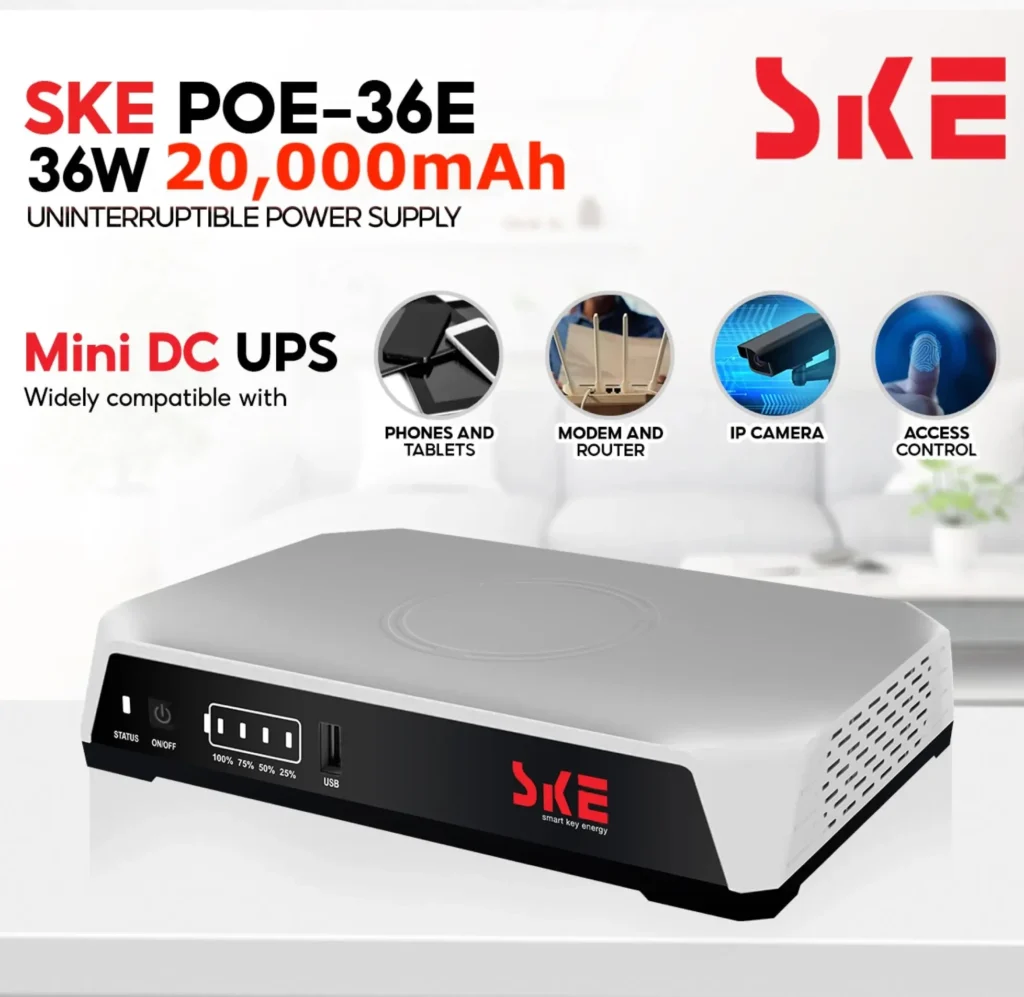
SKE POE-36E-LFP 20,000mAh Mini DC UPS – 36W High Power Backup with LiFePO4 Battery (5V/9V/12V 3A)
Original price was: ৳ 4,500.00.৳ 3,890.00Current price is: ৳ 3,890.00.

Reviews
Clear filtersThere are no reviews yet.