
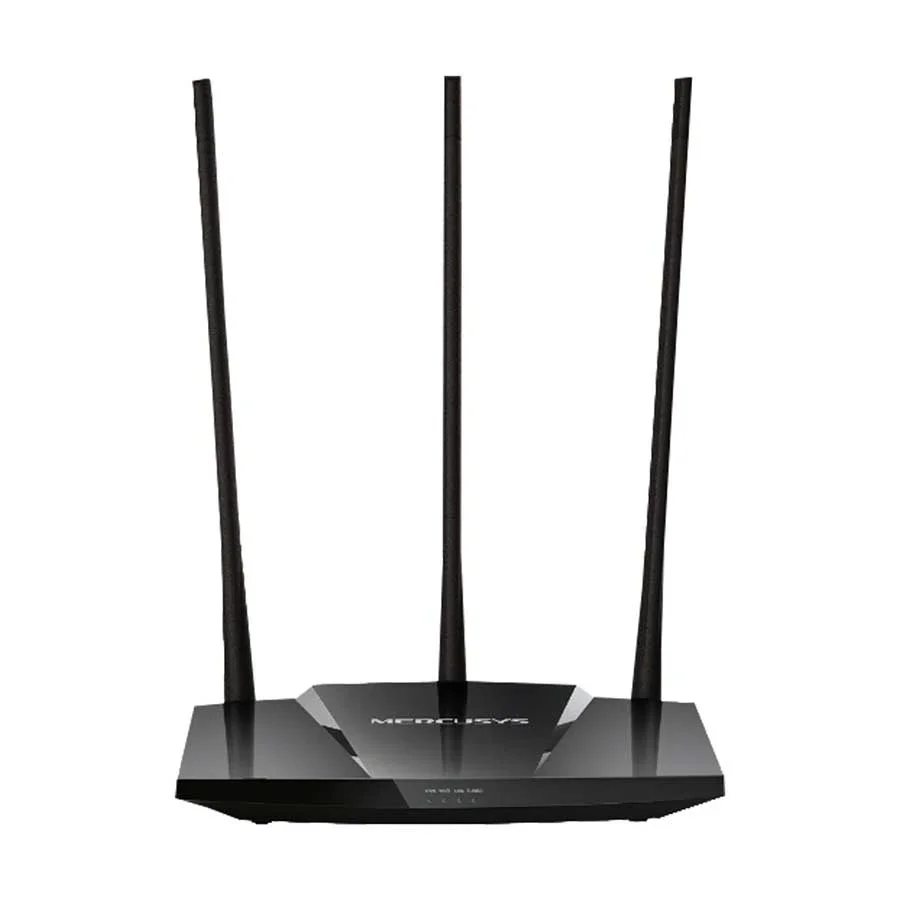
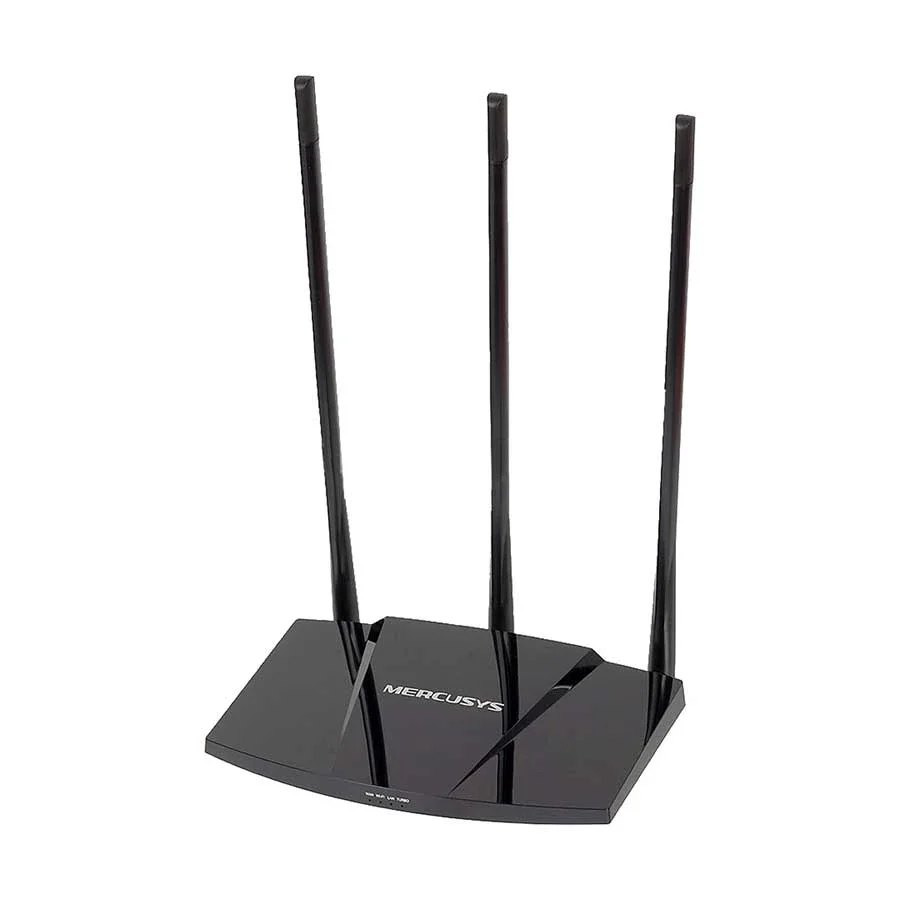


MERCUSYS MW330HP 300Mbps High Power Wireless N Router (3 Antenna) | EZZEMART.COM
The MERCUSYS MW330HP 300Mbps High Power Wireless N Router is a single-band wireless router designed for homes and small offices that need everyday Wi-Fi connectivity with enhanced wireless coverage. It supports the IEEE 802.11b/g/n wireless standards and delivers theoretical wireless speeds of up to 300 Mbps on the 2.4 GHz band.
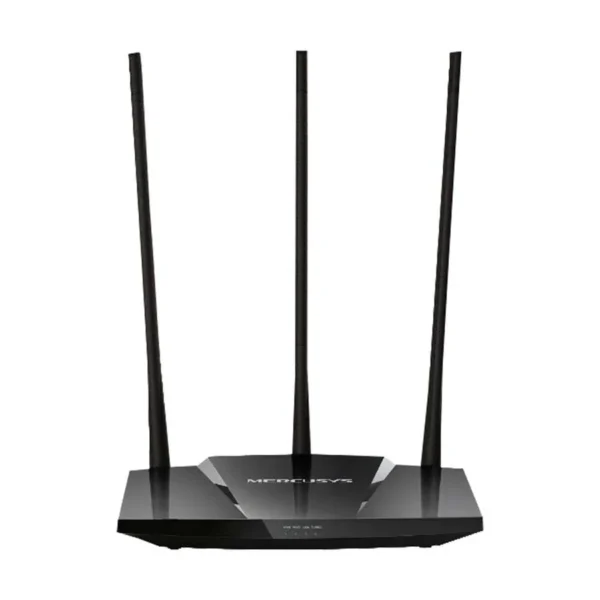
The router features three high-gain 7 dBi external antennas, a dedicated power amplifier (PA) chip, and a Turbo button designed to enhance wireless signal coverage. These features make it a practical option for web browsing, online classes, social media, email, and other everyday internet activities.
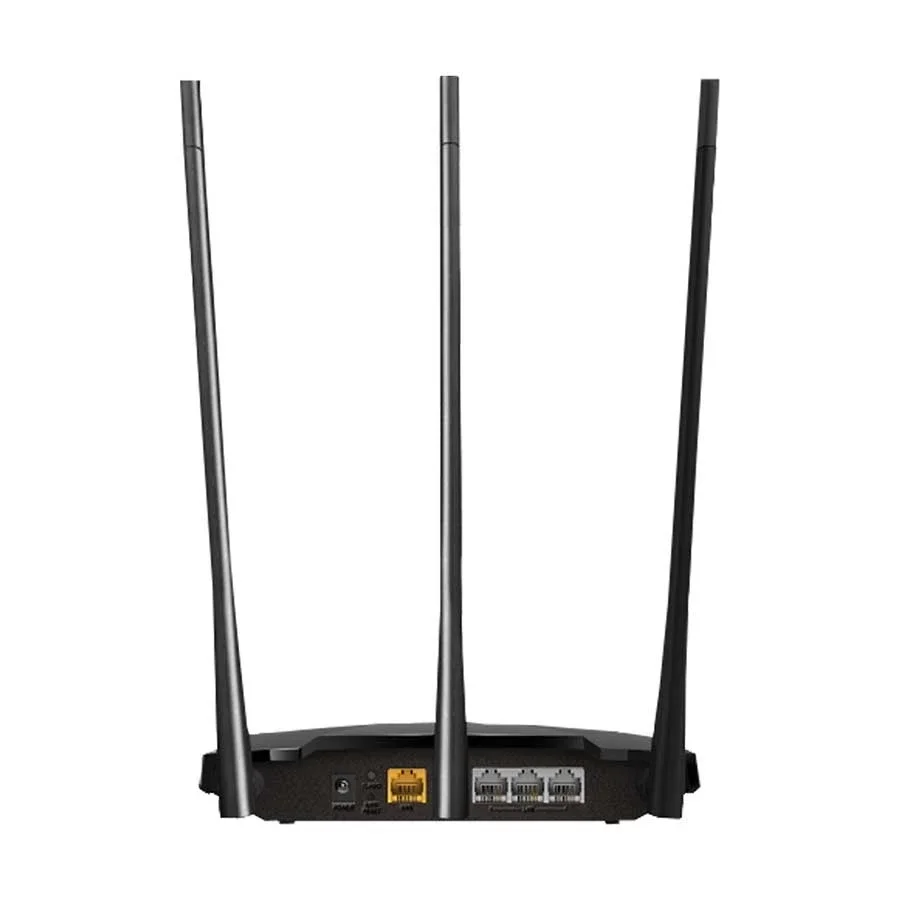
The MERCUSYS MW330HP also includes one WAN port and three LAN ports, along with basic network management features for home internet sharing.
Why Is the MERCUSYS MW330HP Useful?
The MERCUSYS MW330HP is designed for users who want a straightforward and affordable wireless router with a focus on Wi-Fi coverage. Its high-gain antennas and dedicated power amplifier help improve wireless transmission, while the Turbo button provides a convenient way to enhance the signal.
It is suitable for:
- Home internet connections and everyday browsing.
- Connecting smartphones, laptops, tablets, and other Wi-Fi devices.
- Online classes, email, and social media.
- Small offices with basic networking requirements.
- Sharing an internet connection between multiple wired and wireless devices.
- Users who need a simple router for a broadband package of up to 100 Mbps.
Important: The MW330HP has 10/100 Mbps Ethernet ports and supports Wi-Fi 4 rather than Wi-Fi 5 or Wi-Fi 6. It is best suited to basic networking requirements rather than high-speed Gigabit internet connections.
Key Features of MERCUSYS MW330HP
- 300 Mbps Wireless Speed: Supports theoretical 802.11n wireless speeds of up to 300 Mbps.
- Three High-Gain Antennas: Features three external 7 dBi antennas to help improve wireless coverage.
- Dedicated Power Amplifier: Helps strengthen wireless signal transmission.
- Turbo Button: Allows users to activate the router’s enhanced wireless coverage feature.
- 2.4 GHz Wi-Fi: Supports a single wireless frequency band for everyday internet use.
- Three LAN Ports: Connect wired devices such as desktop computers and compatible network equipment.
- One WAN Port: Connects the router to a modem or internet service provider’s Ethernet connection.
- Multiple Internet Connection Types: Supports Dynamic IP, Static IP, PPPoE, PPTP, and L2TP configurations.
- Guest Network: Supports a separate 2.4 GHz guest Wi-Fi network.
- WDS Bridging: Supports wireless bridging functionality.
- Basic Network Security: Supports WPA-PSK and WPA2-PSK wireless security.
- WPS/Reset Button: Provides convenient wireless setup and reset functionality.
- Simple Installation: Can be configured through its web interface; compatible versions may also support the MERCUSYS app.
MERCUSYS MW330HP Specifications
| Specification | Details |
|---|---|
| Brand | MERCUSYS |
| Model | MW330HP |
| Product Type | High Power Wireless N Router |
| Wireless Standard | IEEE 802.11b/g/n |
| Wi-Fi Generation | Wi-Fi 4 |
| Wireless Frequency | 2.4 GHz |
| Maximum Theoretical Wi-Fi Speed | Up to 300 Mbps |
| Antennas | 3 External High-Gain Antennas |
| Antenna Gain | 7 dBi each |
| Power Amplifier | Dedicated PA Chip |
| WAN Port | 1× 10/100 Mbps WAN |
| LAN Ports | 3× 10/100 Mbps LAN |
| Turbo Function | Supported |
| Wireless Security | WPA-PSK/WPA2-PSK |
| Guest Network | 2.4 GHz Guest Network |
| WDS Bridging | Supported |
| WAN Connection Types | Dynamic IP, Static IP, PPPoE, PPTP, L2TP |
| Network Management | Web Interface; App Support Depends on Version |
| Power Adapter | 9V DC, 0.6A |
| Dimensions | 192 × 127 × 36 mm |
| Package Contents | Router, Power Adapter, Ethernet Cable, Quick Installation Guide |
Specifications are based on MERCUSYS MW330HP documentation. Hardware versions and regional variants may differ.
Detailed Description of MERCUSYS MW330HP
300 Mbps Wireless N Connectivity
The MW330HP supports the 802.11n wireless standard and offers theoretical Wi-Fi speeds of up to 300 Mbps. Its 2.4 GHz frequency band is suitable for common internet activities such as browsing websites, checking email, using social media, and attending online classes.
The advertised 300 Mbps represents a theoretical wireless link rate, not guaranteed internet download speed. Actual performance depends on the broadband connection, connected devices, interference, and network conditions.
Three 7 dBi High-Gain Antennas
The router features three external 7 dBi antennas designed to improve wireless signal distribution. This antenna configuration can help provide a more useful wireless signal in different areas of a home or small office.
Actual coverage depends on building materials, walls, interference, router placement, and the capabilities of connected devices.
Dedicated Power Amplifier and Turbo Button
The MW330HP uses a dedicated power amplifier chip to strengthen wireless signal transmission. Its Turbo button allows users to activate the enhanced coverage function when needed.
These features are designed to help improve wireless connectivity, but they cannot guarantee strong Wi-Fi in every room or eliminate all dead zones.
Wired Connections for Home Devices
The MW330HP includes one 10/100 Mbps WAN port and three 10/100 Mbps LAN ports. The WAN port connects to your internet source, while the LAN ports can connect desktop computers and other compatible wired devices.
Because the ports support Fast Ethernet rather than Gigabit Ethernet, the router is most suitable for internet packages and wired networking requirements within the 100 Mbps range.
Basic Network Management and Security
The router supports common connection types, including Dynamic IP, Static IP, and PPPoE. It also provides features such as guest networking, access control, port forwarding, and basic firewall-related settings.
Wireless security includes WPA-PSK and WPA2-PSK. Since this is an older-generation router, users should consider a newer model if they require modern security capabilities or advanced networking features.
How to Set Up the MERCUSYS MW330HP Router
Step 1: Connect the Power Adapter
Place the router in a suitable location and connect the supplied compatible power adapter.
Step 2: Connect Your Internet Cable
Connect the Ethernet cable from your modem or internet provider’s equipment to the router’s WAN port.
Step 3: Connect Your Device
Connect a smartphone or computer to the router’s Wi-Fi network or use an Ethernet cable to connect a computer to one of the LAN ports.
Step 4: Open the Router Setup Page
Open a web browser and follow the instructions in the router’s installation guide to access its management interface.
Step 5: Configure Your Internet Connection
Choose the connection type provided by your ISP, such as Dynamic IP or PPPoE, and enter any required login credentials.
Step 6: Set Your Wi-Fi Name and Password
Create a wireless network name and a strong password. Save the configuration and reconnect your devices.
Step 7: Use the Turbo Function if Needed
If you want to activate the router’s enhanced coverage feature, use the Turbo button according to the instructions for your hardware version.
MERCUSYS MW330HP Buying Guide
Before purchasing the MERCUSYS MW330HP 300Mbps High Power Wireless N Router, consider these factors:
- Internet Speed: Its 10/100 Mbps Ethernet ports make it more suitable for basic broadband connections than faster Gigabit internet services.
- Coverage Requirements: The three high-gain antennas and Turbo feature may help with coverage, but performance varies by building and placement.
- Connected Devices: It is appropriate for everyday browsing and basic home networking; demanding applications may benefit from a newer router.
- Wi-Fi Standard: The MW330HP uses Wi-Fi 4 and does not support Wi-Fi 5 or Wi-Fi 6.
- Security Requirements: It supports WPA/WPA2-PSK rather than newer wireless security options such as WPA3.
- Hardware Version: Confirm the regional version, app compatibility, warranty, and included accessories before purchasing.
Frequently Asked Questions
1. What is the maximum Wi-Fi speed of the MERCUSYS MW330HP?
The router supports theoretical wireless speeds of up to 300 Mbps using the 802.11n standard on the 2.4 GHz band.
2. How many antennas does the MW330HP have?
It has three external high-gain antennas, each rated at 7 dBi.
3. Does the MERCUSYS MW330HP support 5 GHz Wi-Fi?
No. The MW330HP is a single-band router that operates on the 2.4 GHz frequency band.
4. Does the MW330HP have a Turbo button?
Yes. Its Turbo button activates the router’s enhanced wireless coverage function.
5. Does the MERCUSYS MW330HP support Gigabit Ethernet?
No. It has one 10/100 Mbps WAN port and three 10/100 Mbps LAN ports.
6. Is the MW330HP suitable for a 100 Mbps internet connection?
It can be suitable for basic internet use on a broadband package up to 100 Mbps. Actual throughput may be lower than the advertised package speed, depending on network conditions and overhead.
7. Can I connect a desktop computer to this router?
Yes. You can connect compatible desktop computers and other wired devices through any of its three LAN ports.
8. Does the MW330HP support a guest network?
Yes. It supports a separate guest network on the 2.4 GHz band.
9. Can I manage the MW330HP using a smartphone?
Setup through a web browser is supported. MERCUSYS app support depends on the hardware version and firmware, so check compatibility for your specific unit.
10. Is the MERCUSYS MW330HP suitable for home use in Bangladesh?
It can be a practical option for basic home internet use, browsing, social media, and online classes. If you need dual-band Wi-Fi, Gigabit Ethernet, Wi-Fi 6, or support for a faster broadband connection, consider a newer router.
Why Buy MERCUSYS MW330HP from EZZEMART.COM?
EZZEMART.COM offers networking products and technology accessories for home, office, and everyday connectivity needs. Before purchasing the MERCUSYS MW330HP, check the product listing for current pricing, availability, warranty details, and included accessories.
Choose a router that matches your internet package, Wi-Fi coverage requirements, and connected devices.
Disclaimer:
Product descriptions and technical specifications on this website may be generated with the assistance of AI and are provided for reference purposes only. Actual product features, performance, and specifications may vary — please verify all details directly with the official manufacturer’s website before purchase. We do not manufacture; we are a seller and are not responsible for discrepancies in product features, behavior, or specifications.


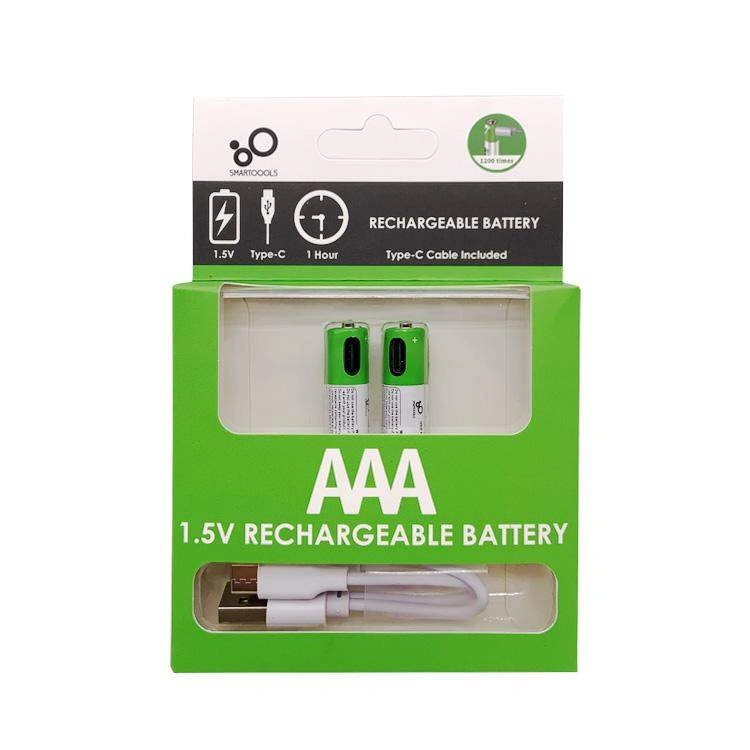
SmarToools AAA 1.5V 750 mWh Rechargeable Battery (2Pcs Set)
Original price was: ৳ 700.00.৳ 550.00Current price is: ৳ 550.00.
SmarToools AAA 1.5V 750 mWh Rechargeable Battery (4Pcs Set)
Original price was: ৳ 1,200.00.৳ 950.00Current price is: ৳ 950.00.

SKE 432P Mini UPS for Router, ONU & Camera – Output 17W 5V/9V/12V UPS
Original price was: ৳ 2,550.00.৳ 2,150.00Current price is: ৳ 2,150.00.
OLAX 4G LTE-Advanced 3000mAh Mobile Pocket WiFi Router Hotspot (MF982)
Original price was: ৳ 3,200.00.৳ 2,950.00Current price is: ৳ 2,950.00.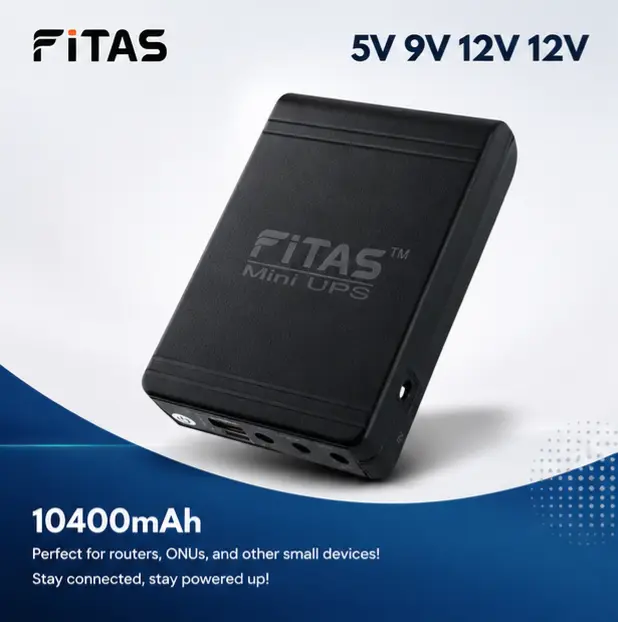
FiTAS 10400mAh TM95 Mini UPS 5V 9V 12V 12V Output with Type C 25W Fast Charging Support
Original price was: ৳ 2,000.00.৳ 1,750.00Current price is: ৳ 1,750.00.
Ulanzi MT-44 Extendable Vlog Tripod With 360° Ball Head (Black)
Original price was: ৳ 2,100.00.৳ 1,790.00Current price is: ৳ 1,790.00.

COMBO! WGP mini UPS 5/12/12V (10400mAh) + Adapter (12V/3A)
Original price was: ৳ 2,800.00.৳ 2,050.00Current price is: ৳ 2,050.00.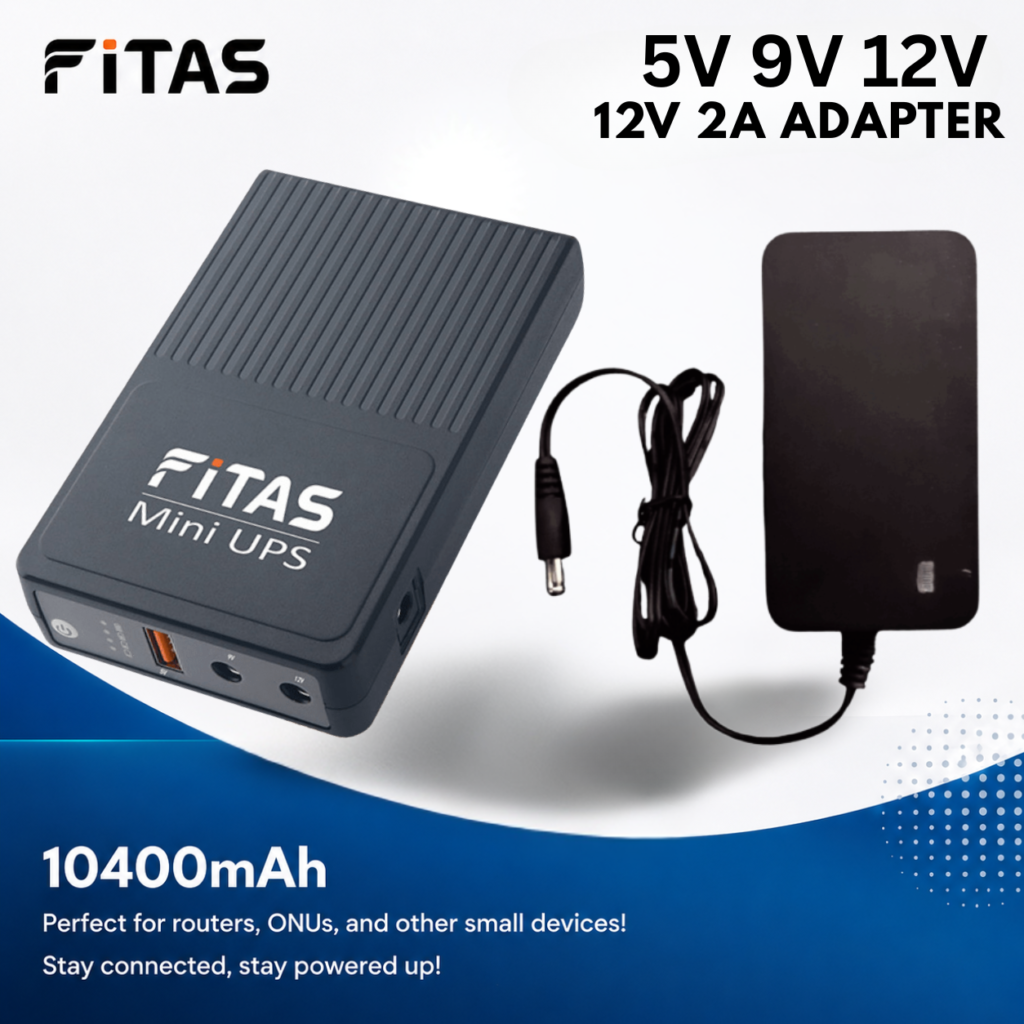
FiTAS 10400mAh TM55 DC Mini UPS 5V 9V 12V with 12V 2A Adapter
Original price was: ৳ 2,300.00.৳ 1,800.00Current price is: ৳ 1,800.00.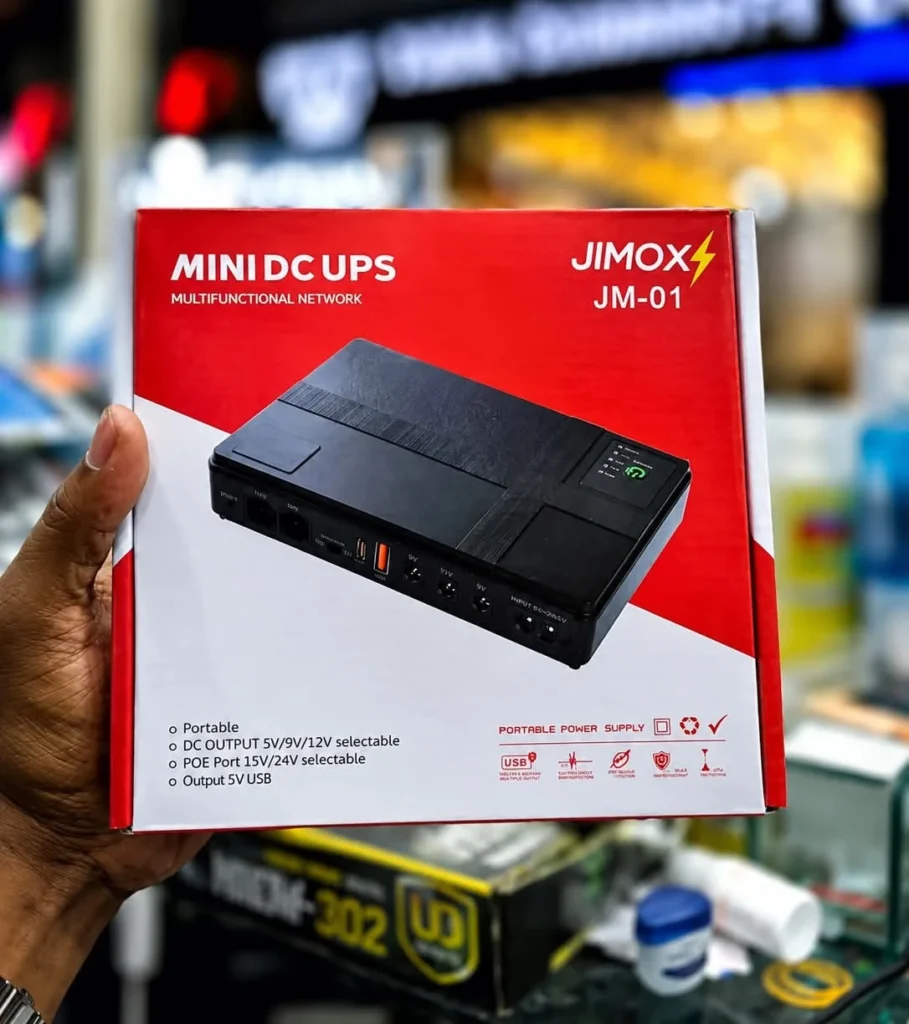
JIMOX JM-01 Multi-Output Mini UPS for Router & ONU (10400mAh, Fast Charging)
Original price was: ৳ 2,300.00.৳ 2,000.00Current price is: ৳ 2,000.00.

Reviews
Clear filtersThere are no reviews yet.