
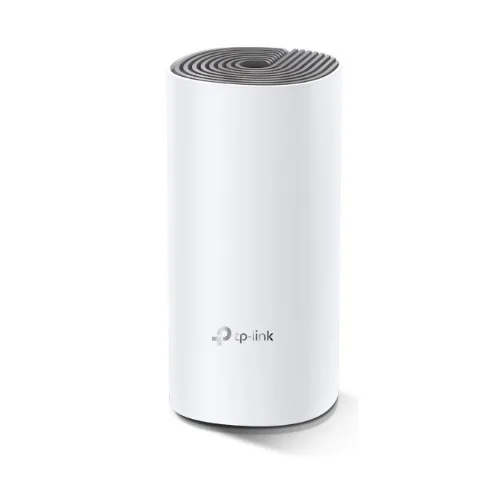


TP-Link Deco E4 AC1200 Dual-band Mesh Router (1 Pack) | EZZEMART.COM
The TP-Link Deco E4 AC1200 Dual-band Mesh Router (1 Pack) is a whole-home mesh Wi-Fi device designed to improve wireless connectivity and reduce Wi-Fi dead zones in homes and small offices. It uses TP-Link Deco Mesh technology to create a unified wireless network when connected with compatible Deco units.
The Deco E4 delivers theoretical Wi-Fi speeds of up to 1167 Mbps, including up to 867 Mbps on the 5 GHz band and 300 Mbps on the 2.4 GHz band. It supports Router Mode and Access Point Mode, making it suitable for different home networking setups.
The 1 Pack version contains one Deco E4 unit. You can use it as a standalone router or add it to a compatible Deco mesh network to expand Wi-Fi coverage.
Why Is the TP-Link Deco E4 Useful?
The TP-Link Deco E4 is useful for people who want a simple way to improve Wi-Fi coverage and manage their home network. Unlike a conventional router that operates as a single wireless access point, multiple Deco units can work together to provide a more consistent Wi-Fi experience across different rooms.
It is suitable for:
- Homes with Wi-Fi dead zones or weak wireless signals.
- Apartments and small offices that need reliable wireless connectivity.
- Streaming videos, browsing websites, and attending online meetings.
- Connecting smartphones, laptops, tablets, smart TVs, and other compatible devices.
- Expanding an existing compatible TP-Link Deco mesh network.
- Users who want to manage their home Wi-Fi through a smartphone app.
Important: A single Deco E4 unit does not provide the same whole-home coverage as a multi-pack mesh system. Additional compatible Deco units may be required for larger homes.
Key Features of TP-Link Deco E4 AC1200
- AC1200 Dual-Band Wi-Fi: Combined theoretical wireless speeds of up to 1167 Mbps.
- 5 GHz Wi-Fi up to 867 Mbps: Suitable for streaming and everyday high-bandwidth activities on compatible devices.
- 2.4 GHz Wi-Fi up to 300 Mbps: Supports everyday browsing and compatible wireless devices.
- Mesh Wi-Fi Technology: Multiple Deco units work together under one network name.
- Seamless Roaming: Compatible devices can automatically switch between Deco units as you move around your home.
- Two Internal Antennas: Help distribute wireless signals across the coverage area.
- MU-MIMO Technology: Supports more efficient communication with compatible wireless devices.
- Router Mode: Allows the Deco E4 to operate as your main router.
- Access Point Mode: Allows it to provide Wi-Fi through an existing router or wired network.
- Ethernet Backhaul: Compatible Deco units can use Ethernet connections to link the mesh network.
- Parental Controls: Supports features such as website filtering and time controls.
- Guest Network: Provides separate guest Wi-Fi access.
- Deco App Management: Supports setup and network management through the compatible TP-Link Deco app.
- IPv4 and IPv6 Support: Supports common internet networking protocols.
TP-Link Deco E4 Specifications
| Specification | Details |
|---|---|
| Brand | TP-Link |
| Model | Deco E4 |
| Product Type | AC1200 Dual-Band Mesh Wi-Fi System |
| Package Version | 1 Pack |
| Number of Units | 1 Deco E4 Unit |
| Wi-Fi Standard | Wi-Fi 5 (IEEE 802.11ac) |
| Wireless Class | AC1200 |
| 5 GHz Speed | Up to 867 Mbps |
| 2.4 GHz Speed | Up to 300 Mbps |
| Combined Theoretical Speed | Up to 1167 Mbps |
| Antennas | 2 Internal Dual-Band Antennas |
| MU-MIMO | Supported |
| Mesh Technology | TP-Link Deco Mesh |
| WAN/LAN Ports | 2× 10/100 Mbps Ports per Unit |
| Working Modes | Router Mode, Access Point Mode |
| Wireless Security | WPA-PSK/WPA2-PSK on the referenced version |
| Guest Network | 2.4 GHz and 5 GHz |
| Parental Controls | Website Filtering and Time Controls |
| Network Protocols | IPv4, IPv6 |
| Management | TP-Link Deco App |
| Power Adapter Output | Version-dependent; commonly 12V DC, 1A on older versions |
| Dimensions | Approximately 190.5 × 90.7 × 90.7 mm |
| Package Contents | 1 Deco E4 Unit, 1 Power Adapter, 1 Ethernet Cable, Quick Installation Guide |
Specifications may vary by hardware revision and regional version. Check the exact unit supplied before purchase.
Detailed Description of TP-Link Deco E4 Mesh Router
AC1200 Dual-Band Wi-Fi Performance
The Deco E4 supports two Wi-Fi frequency bands to accommodate different wireless needs. The 2.4 GHz band is suitable for everyday browsing and compatible smart devices, while the 5 GHz band offers higher theoretical speeds for activities such as video streaming and downloads.
Its AC1200 rating represents the combined theoretical wireless link rates of both bands, not the internet speed available to a single device.
Mesh Technology for Improved Wi-Fi Coverage
TP-Link Deco Mesh allows multiple compatible Deco units to work together as a unified wireless network. Instead of manually switching between separate Wi-Fi network names, compatible devices can move between Deco units while remaining connected to the same network.
A single Deco E4 can provide wireless access on its own, but adding compatible Deco units can help extend coverage into rooms where the signal from the main router is weak.
Router and Access Point Modes
The Deco E4 supports two operating modes.
Router Mode: Use the Deco E4 as your main router by connecting it to your modem or internet source.
Access Point Mode: Connect it to an existing router to provide wireless access without replacing the primary router’s routing functions.
Choose the mode that best suits your existing internet connection and network setup.
Ethernet Backhaul Support
Compatible Deco units can use Ethernet backhaul to communicate through wired connections rather than relying entirely on wireless links between units. This can improve mesh network stability and performance in suitable installations.
However, the Deco E4 has 10/100 Mbps Ethernet ports, so wired throughput is limited by those ports.
Parental Controls and Guest Network
The Deco app provides supported parental-control tools for managing internet access, filtering websites, and setting time limits. Guest Wi-Fi can also help you provide internet access to visitors without sharing your primary network credentials.
Feature availability can vary with the app version, firmware, and Deco model.
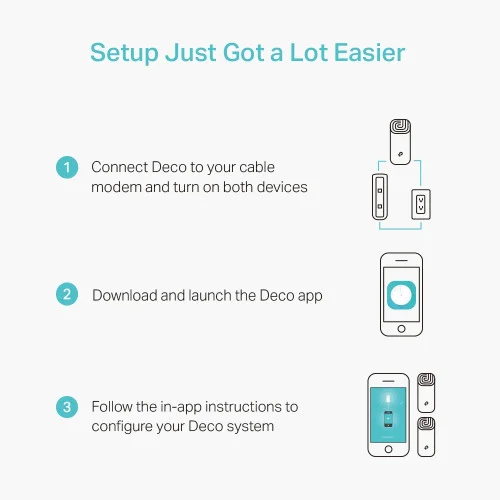
How to Set Up the TP-Link Deco E4
Step 1: Place the Deco Unit
Position the Deco E4 in a suitable location with access to power and your internet connection.
Step 2: Connect the Ethernet Cable
Connect the internet source or existing router to one of the Deco E4’s Ethernet ports, following the setup instructions for your selected operating mode.
Step 3: Install the Deco App
Install the compatible TP-Link Deco app on your smartphone and sign in or create a TP-Link account if required.
Step 4: Add the Deco E4
Open the app and follow the on-screen instructions to identify and configure your Deco device.
Step 5: Configure Your Internet Connection
Choose the connection type required by your internet service provider. This may include Dynamic IP, Static IP, or PPPoE.
Step 6: Create Your Wi-Fi Network
Set your preferred Wi-Fi network name and password, then connect your smartphones, laptops, and other devices.
Step 7: Expand Coverage if Needed
If you have weak-signal areas, add compatible Deco units and follow the app’s instructions to integrate them into your existing mesh network.
TP-Link Deco E4 Buying Guide
Before purchasing the TP-Link Deco E4 AC1200 Mesh Router (1 Pack), consider the following:
- Package Size: The 1 Pack includes only one Deco E4 unit. Additional units must be purchased separately.
- Coverage Requirements: One unit may be sufficient for a small area, but larger homes may need multiple mesh units.
- Internet Speed: Its Ethernet ports are limited to 100 Mbps, so it is not the best choice if you need wired internet throughput above 100 Mbps.
- Existing Router: Decide whether you want to use the Deco E4 in Router Mode or Access Point Mode.
- Mesh Compatibility: Confirm compatibility before adding other Deco devices to your network.
- Wireless Standards: The Deco E4 uses Wi-Fi 5 rather than Wi-Fi 6.
- Hardware Version: Check the exact regional version, included power adapter, warranty, and specifications before buying.
Frequently Asked Questions
1. What is the maximum speed of the TP-Link Deco E4?
The Deco E4 offers theoretical wireless speeds of up to 867 Mbps on 5 GHz and 300 Mbps on 2.4 GHz, for a combined AC1200 rating.
2. What does 1 Pack mean?
The 1 Pack includes one Deco E4 unit, one power adapter, one Ethernet cable, and a quick installation guide. It does not include additional mesh units.
3. Can I use the Deco E4 as a normal Wi-Fi router?
Yes. It supports Router Mode and can be connected to your modem or internet source to create a Wi-Fi network.
4. Can the Deco E4 extend my existing Wi-Fi network?
It can be configured in Access Point Mode behind an existing router. For a unified Deco mesh network, use compatible Deco units and follow the Deco app setup instructions.
5. Does the Deco E4 support mesh networking?
Yes. It supports TP-Link Deco Mesh and can work with compatible Deco models as part of a mesh network.
6. Does the TP-Link Deco E4 support Gigabit Ethernet?
No. The Deco E4 has two 10/100 Mbps Ethernet ports per unit. This limits wired throughput to Fast Ethernet speeds.
7. Is the Deco E4 suitable for internet connections faster than 100 Mbps?
Its wireless link rates can exceed 100 Mbps under suitable conditions, but its Ethernet ports can limit internet throughput when connected to a faster broadband service. Consider a Deco model with Gigabit Ethernet if you need higher wired throughput.
8. Does the Deco E4 support parental controls?
Yes. It supports parental-control features such as website filtering and time controls, subject to the available firmware and app features.
9. Can I manage the Deco E4 using my phone?
Yes. Initial setup and network management are handled through the compatible TP-Link Deco app.
10. Is the TP-Link Deco E4 suitable for home use in Bangladesh?
It can be suitable for basic home networking, improving Wi-Fi coverage, and creating a Deco mesh system. However, if your broadband package exceeds 100 Mbps and you want to use the full speed through a wired connection, consider a mesh model with Gigabit Ethernet ports.
Why Buy TP-Link Deco E4 from EZZEMART.COM?
EZZEMART.COM offers networking products and technology accessories for home, office, and everyday connectivity needs. Before purchasing the TP-Link Deco E4 AC1200 Dual-band Mesh Router, check the listing for current pricing, stock availability, warranty details, and included accessories.
Choose the right mesh solution according to your home size, broadband speed, and coverage requirements.
Disclaimer:
Product descriptions and technical specifications on this website may be generated with the assistance of AI and are provided for reference purposes only. Actual product features, performance, and specifications may vary — please verify all details directly with the official manufacturer’s website before purchase. We do not manufacture; we are a seller and are not responsible for discrepancies in product features, behavior, or specifications.


GTECH Power Adapter (12V/2A) for WGP Mini Ups, Router, Onu
Original price was: ৳ 350.00.৳ 300.00Current price is: ৳ 300.00.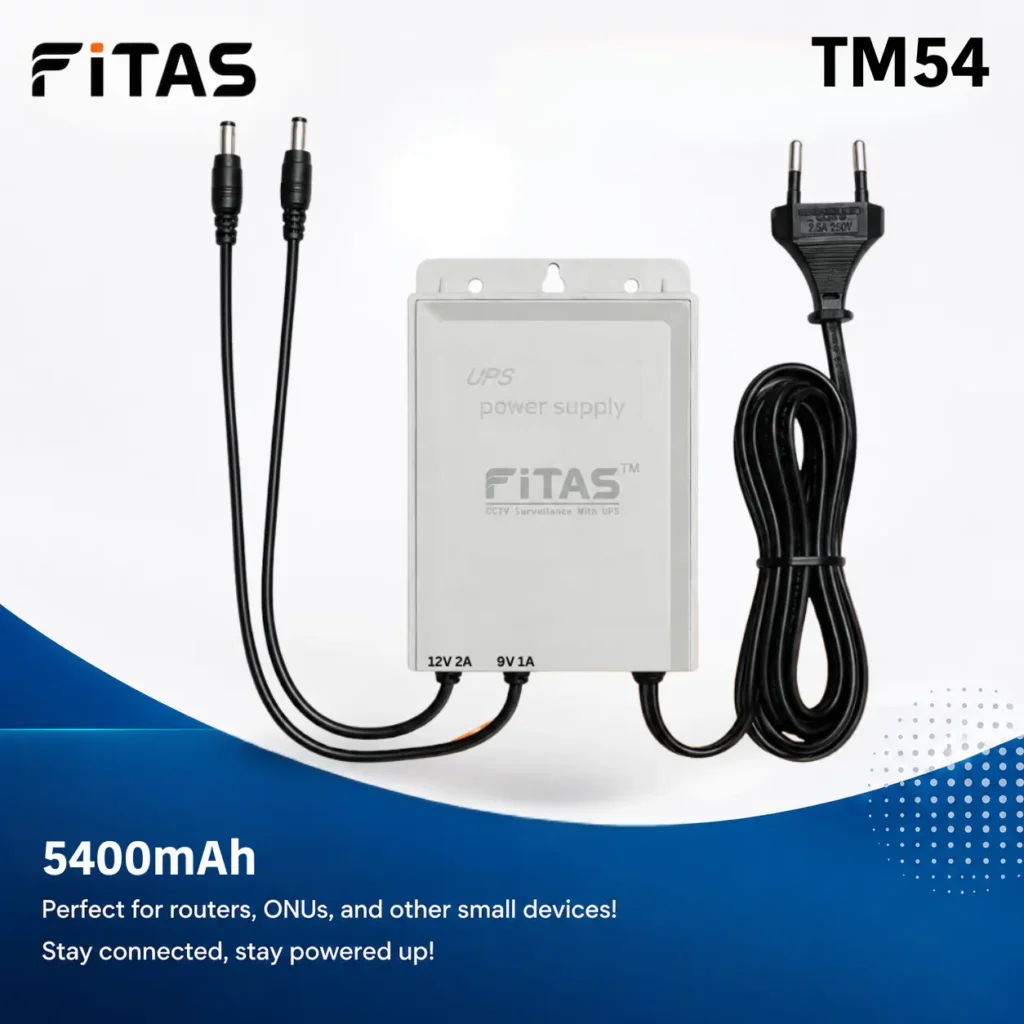
FiTAS TM54 5400mAh DC Mini UPS For Router, Onu
Original price was: ৳ 1,000.00.৳ 900.00Current price is: ৳ 900.00.


SKE 432P Mini UPS for Router, ONU & Camera – Output 17W 5V/9V/12V UPS
Original price was: ৳ 2,550.00.৳ 2,150.00Current price is: ৳ 2,150.00.
New Version WGP Mini UPS For Router, Onu and CC Camera 10400mAh (5V/9V/12V)
Original price was: ৳ 2,200.00.৳ 1,850.00Current price is: ৳ 1,850.00.
COMBO! WGP mini UPS 5/12/12V (10400mAh) + Adapter (12V/3A)
Original price was: ৳ 2,800.00.৳ 2,050.00Current price is: ৳ 2,050.00.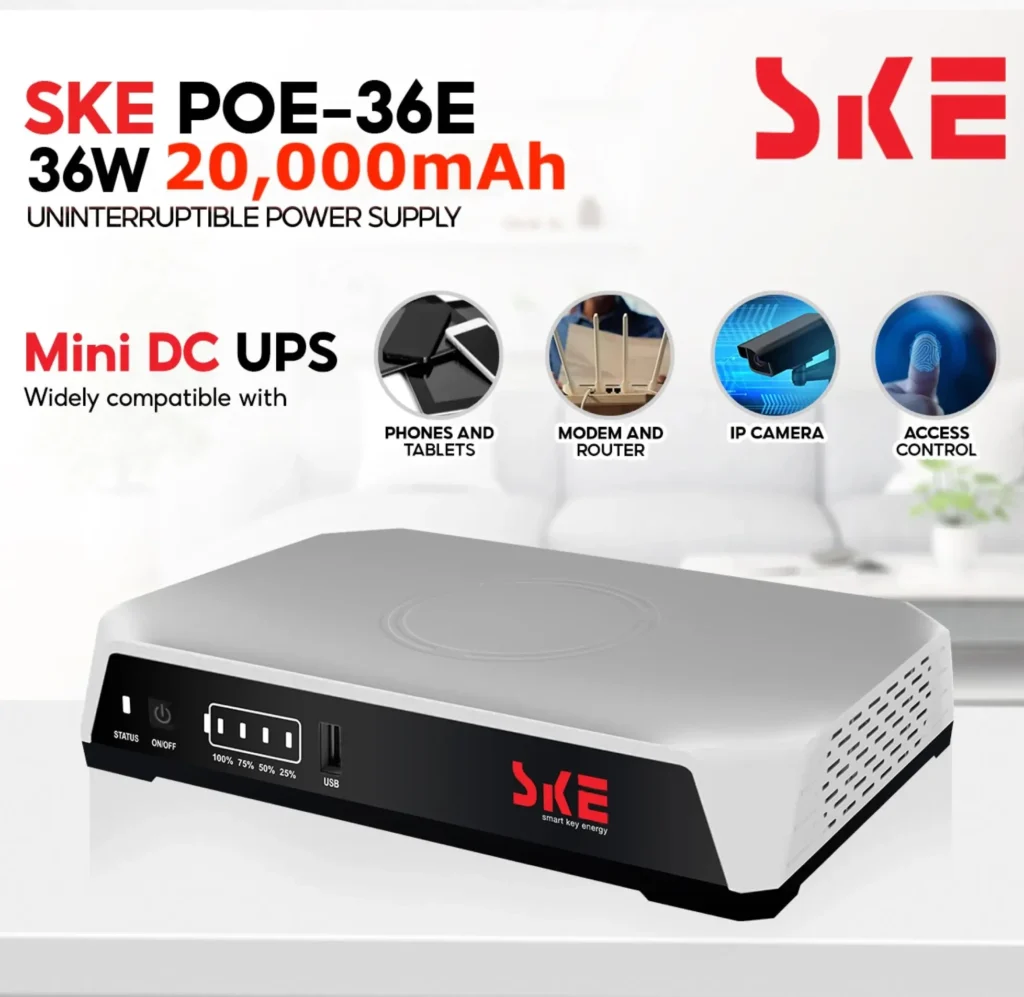
SKE POE-36E-LFP 20,000mAh Mini DC UPS – 36W High Power Backup with LiFePO4 Battery (5V/9V/12V 3A)
Original price was: ৳ 4,500.00.৳ 3,890.00Current price is: ৳ 3,890.00.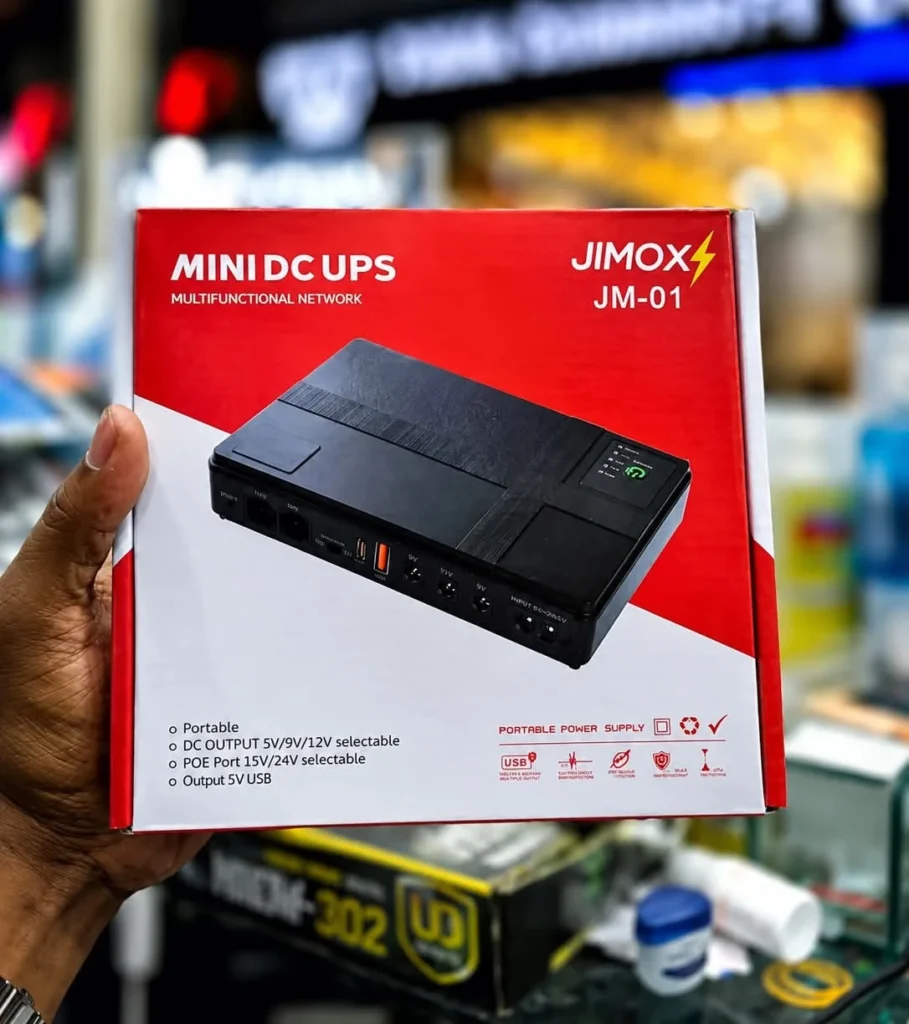
JIMOX JM-01 Multi-Output Mini UPS for Router & ONU (10400mAh, Fast Charging)
Original price was: ৳ 2,300.00.৳ 2,000.00Current price is: ৳ 2,000.00.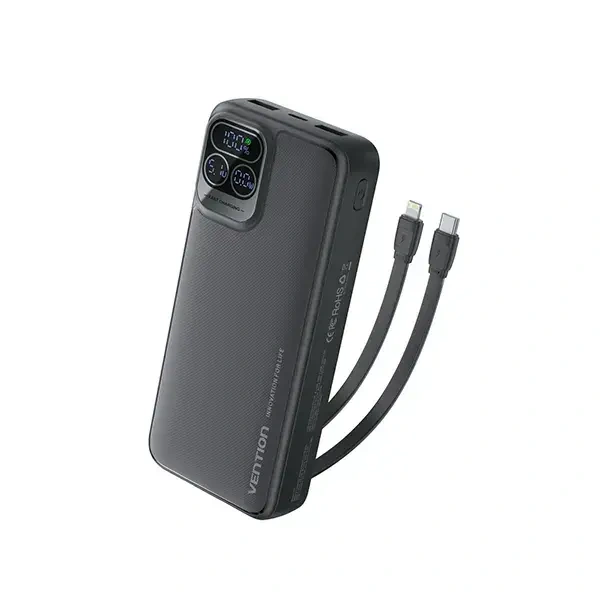
Vention I15BB-V2 20000mAh 22.5W LED Display Power Bank – Black
Original price was: ৳ 2,300.00.৳ 2,250.00Current price is: ৳ 2,250.00.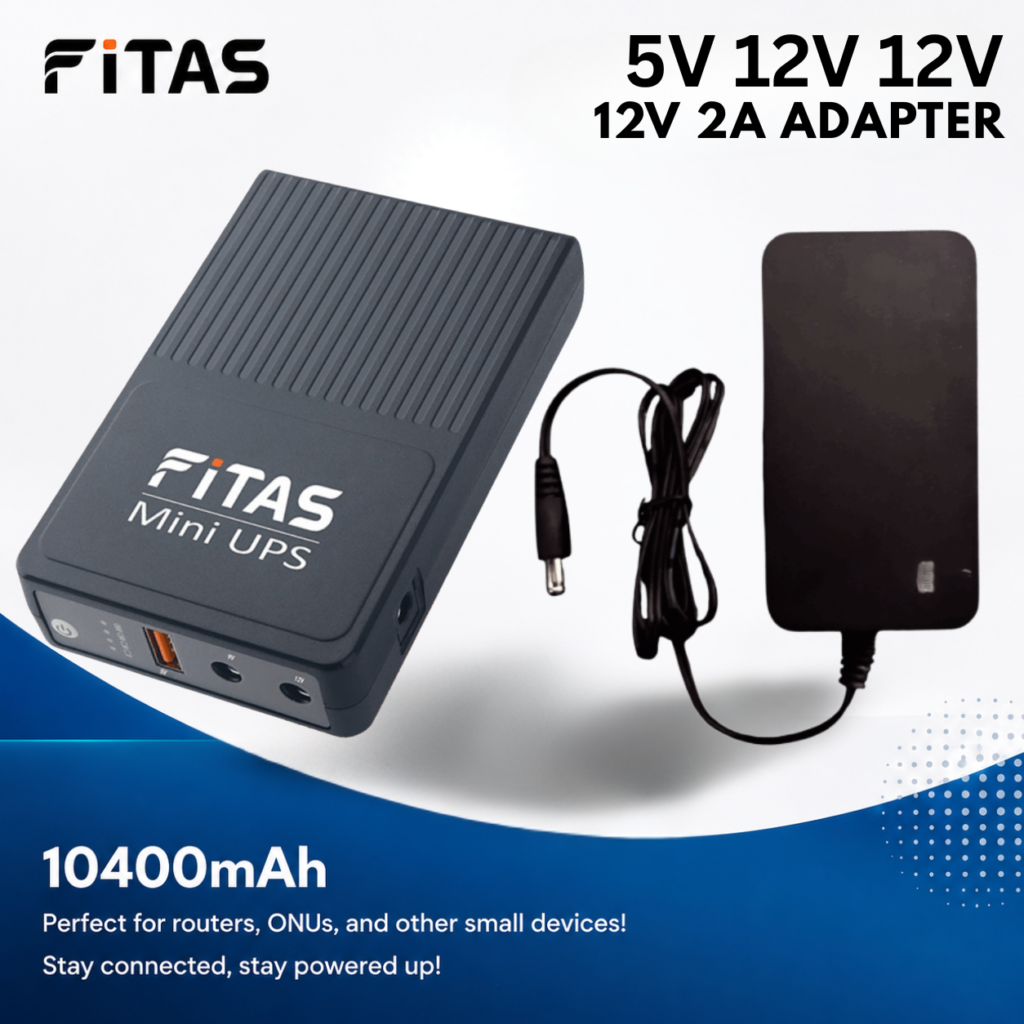
FiTAS 10400mAh TM55 DC Mini UPS 5V 12V 12V with 12V 2A Adapter
Original price was: ৳ 2,300.00.৳ 1,800.00Current price is: ৳ 1,800.00.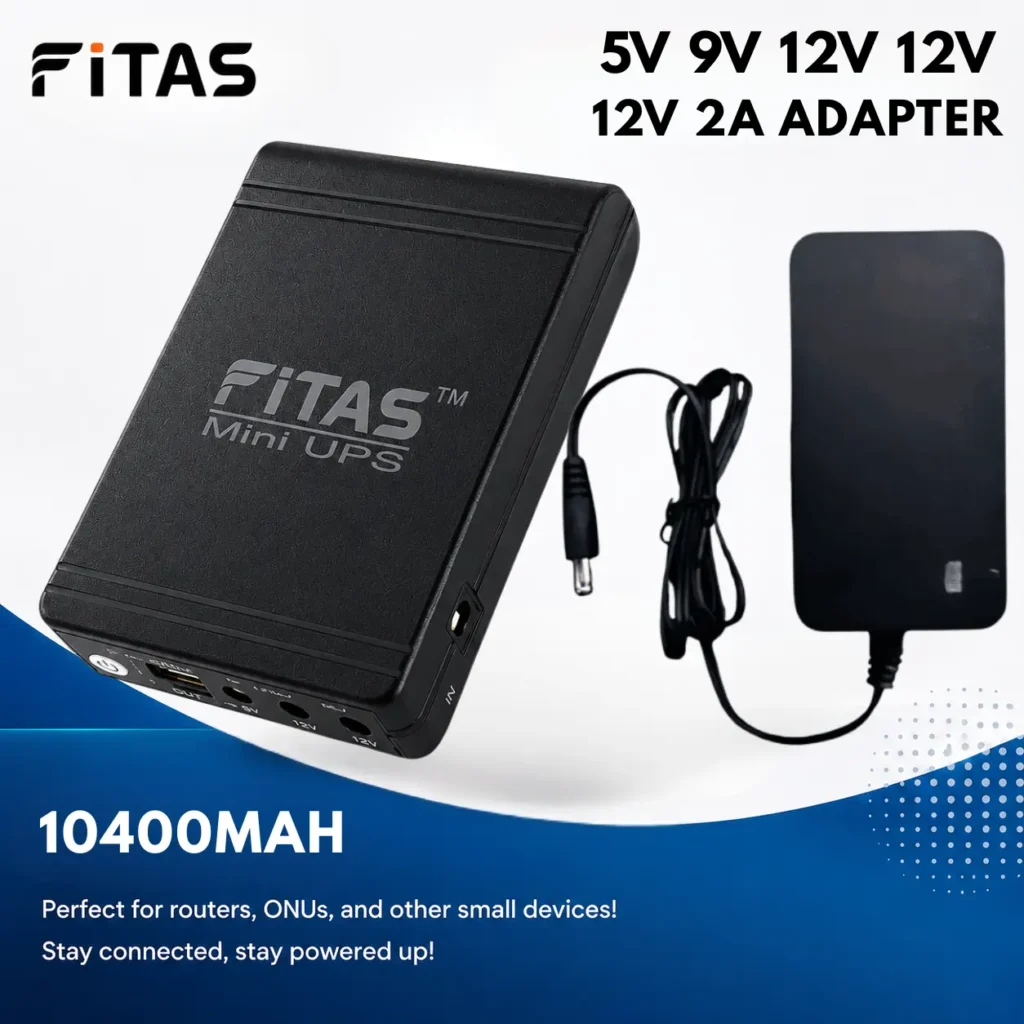

Reviews
Clear filtersThere are no reviews yet.